Story
PublishedThe rough story, the adopted sequence, and what stayed fixed or changed through discussion.

NijiUnit AI Agent Video Studio
NIJIUNIT OFFICIAL TUTORIALS
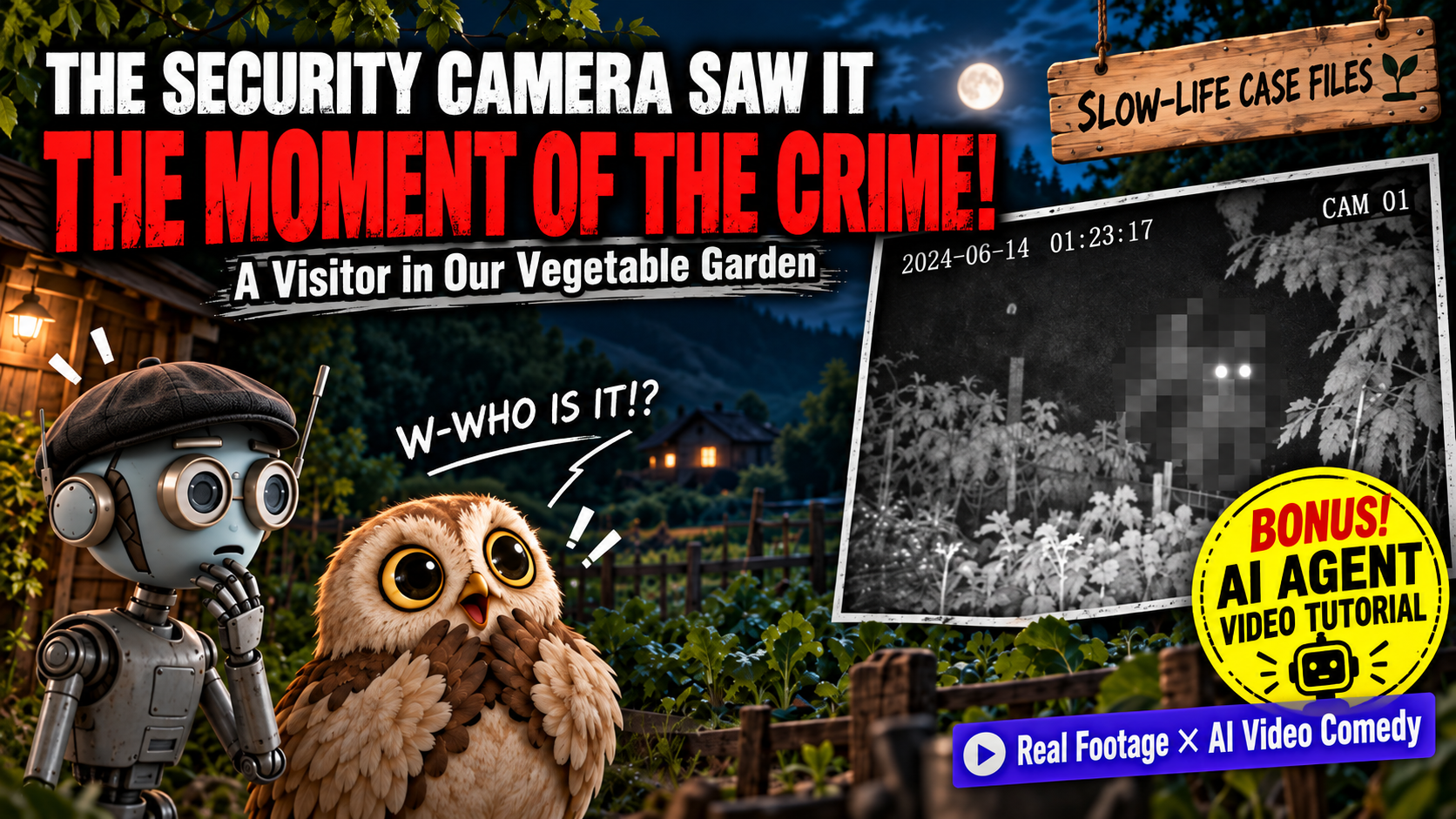
A mysterious threat closes in on TAKO and his wife as they enjoy their slow life. We made a comedy video by blending what the camera captured with generated footage.
Official YouTube video ID: rJcUWhpSjtc
WATCH
HOW IT WAS MADE
A person prepares live-action footage and a rough story for an AI agent. The agent studies the source environment and creates an Excel storyboard. After human approval, generated video and deterministic editing are combined to finish the work.
PRODUCTION MATERIALS
These are the materials used to create the 45.29-second, 14-shot story shown after the opening free talk and title.
The rough story, the adopted sequence, and what stayed fixed or changed through discussion.
Only the filenames and roles of the live footage, rough story, and production notes are listed.
The 45.29-second, 14-shot Excel storyboard is not currently published.
Real exchanges that corrected the character reference, cause and effect, one-antler continuity, and the final three hits.
The live-action handoff, video generation, TTS, deterministic compositing, sound, and QA used for the 45.29-second, 14-shot film.
FOR YOUR AI AGENT
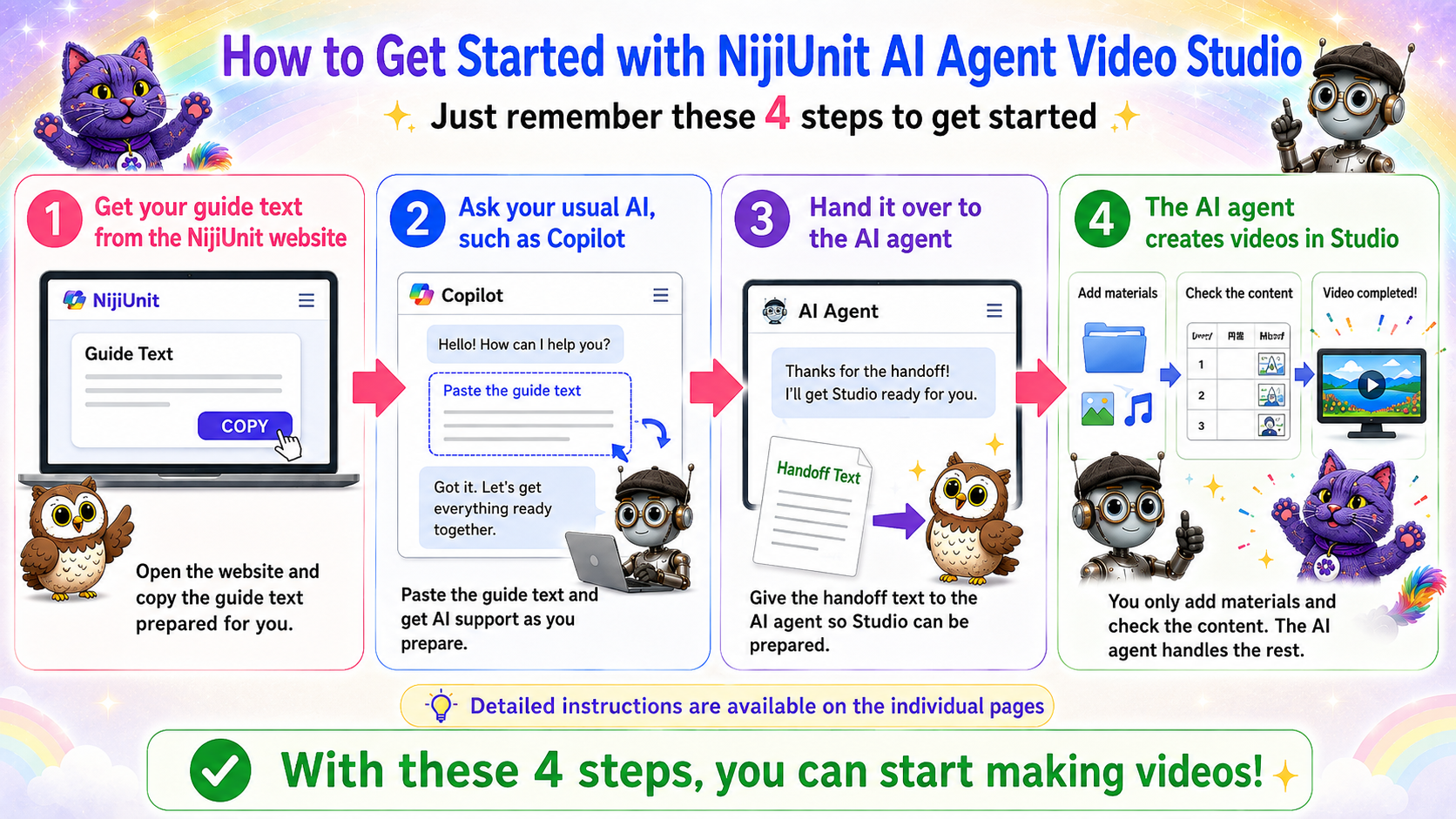
Copy the message below and give it to the AI you normally consult. No NijiUnit membership registration is required. The guide will help you prepare the desktop version of NijiUnit AI Agent Video Studio.
I want to use the 45.29-second story shown after the opening free talk and title in https://youtu.be/rJcUWhpSjtc as a reference while creating a new video that connects my own live-action footage to generated video. First, run the repository prepare-tutorial command in English and validate the matching page at https://manual.nijiunit.com/en/tutorials/rJcUWhpSjtc/. Read the page and every published document on it, then follow the AI agent guide. Do not reuse the original characters, story, or source materials. Use only materials that I have the right to use. First, record the source framing, color, lighting, noise, timestamp, and sound as an environment ledger, then show the handoff into generated sections in an Excel storyboard. Split complex action into short causal segments. When counts, directions, or contact points cannot be locked down by generation alone, propose a deterministic editing method as well. Begin by reviewing my story and source materials only. Do not generate video until I explicitly approve the Excel storyboard. Before any paid operation, explain what will run and the estimated cost, and obtain my approval.