Story
PublishedNiki alone can pilot TAKODAM. Pride assumes an explanation is enough, takes control, and fails.
NijiUnit AI Agent Video Studio
NijiUnit EPISODE 2
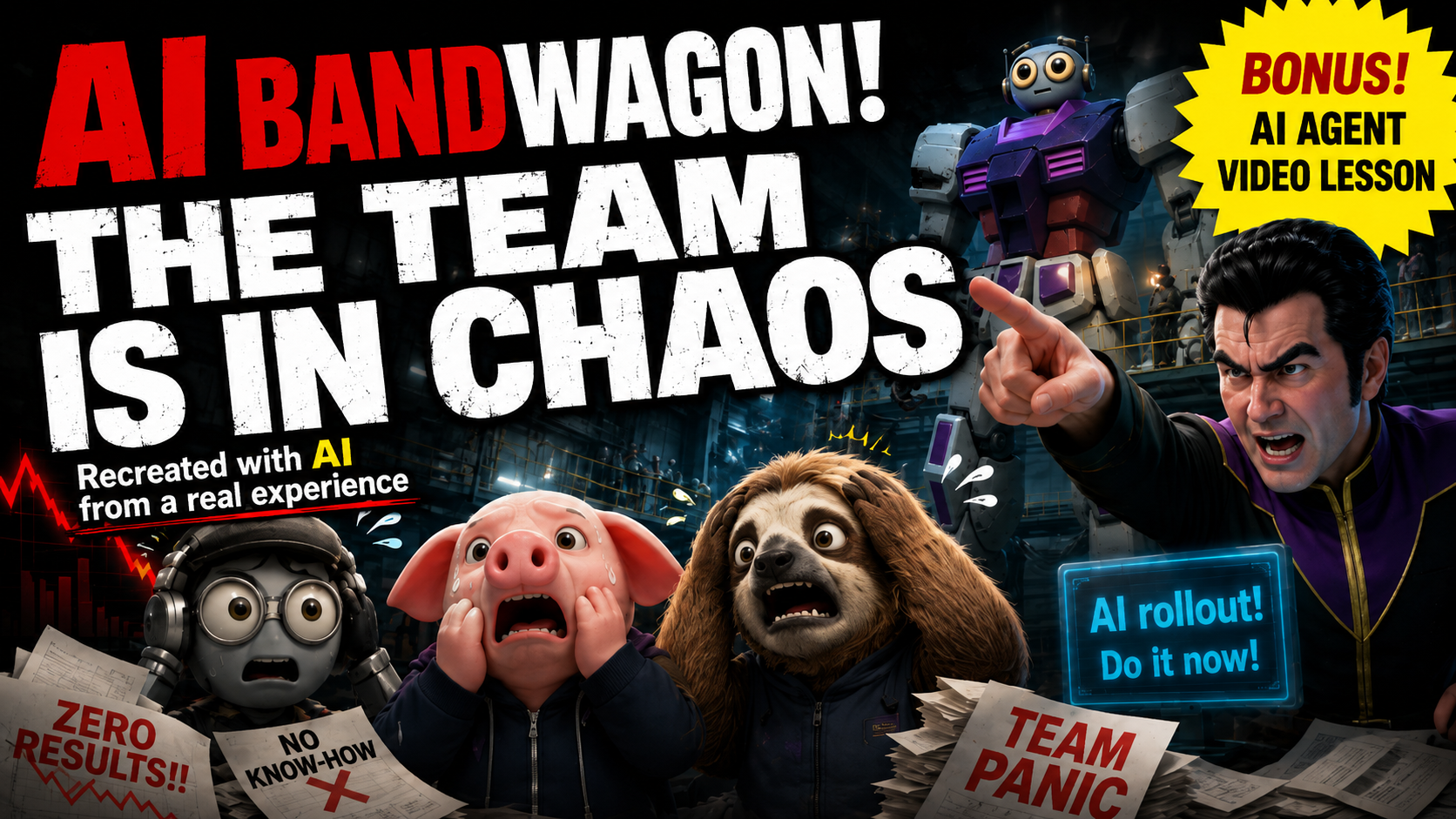
This episode recreates a real experience involving the handover of hard-earned AI know-how. It also shows how we moved away from copying the appearance of an existing work and built an original design around the role the story needed.
Official YouTube video ID: zN6VYMQ4IMU
WATCH
HOW IT WAS MADE
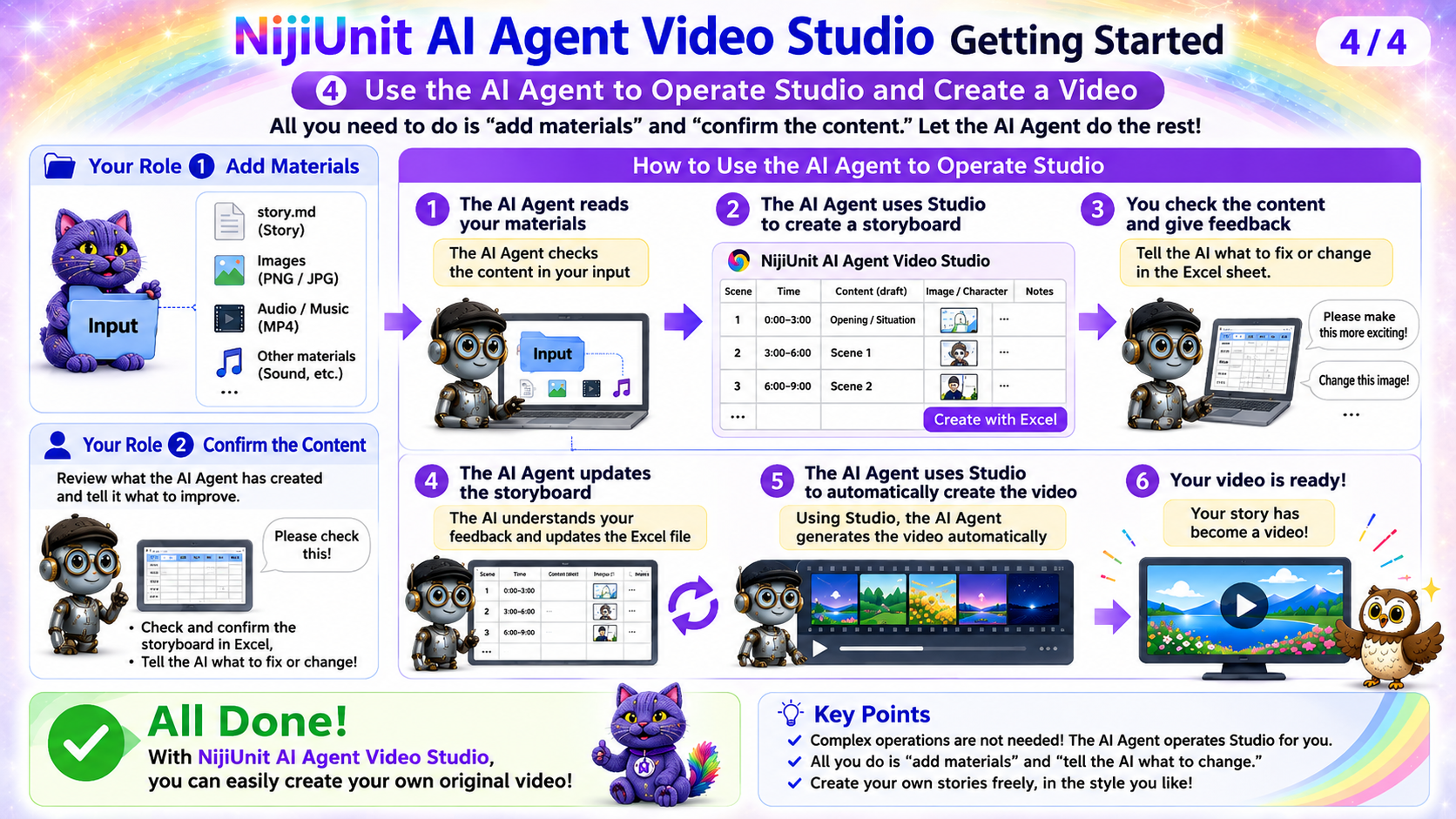
A person prepares the story and source materials and hands them to the AI agent. The AI agent creates a storyboard, and video generation begins only after the person reviews and approves it.
PRODUCTION MATERIALS
These are the materials used to create the 42-second TAKODAM story at the beginning of the video.
Niki alone can pilot TAKODAM. Pride assumes an explanation is enough, takes control, and fails.
Images added at the start of production: ガンダム.png, ニキ.png, ブライト.png
The 14-shot Excel storyboard is not currently published.
Production decisions about original redesign, scale, Niki's showcase, the field gag, and audio repair.
The tools and checks used for the 42-second, 14-shot production.
FOR YOUR AI AGENT
Copy the message below and give it to the AI you normally consult. No NijiUnit membership registration is required. The guide will help you prepare the desktop version of NijiUnit AI Agent Video Studio.
I want to use the 42-second story at the beginning of https://youtu.be/zN6VYMQ4IMU as a reference while creating a new video from my own story and source materials. First, run the repository prepare-tutorial command in English and validate the matching page at https://manual.nijiunit.com/en/tutorials/zN6VYMQ4IMU/. Read the page and every published document on it, then follow the AI agent guide. Do not reuse the original characters, robot appearance, story, or source materials. Use only a story and materials that I have the right to use. Confirm separately which story function I want to preserve and which visual elements must become original. Begin by reviewing my story and materials only. Do not generate video until I explicitly approve the Excel storyboard. Before any paid operation, explain what will run and the estimated cost, and obtain my approval.