Story
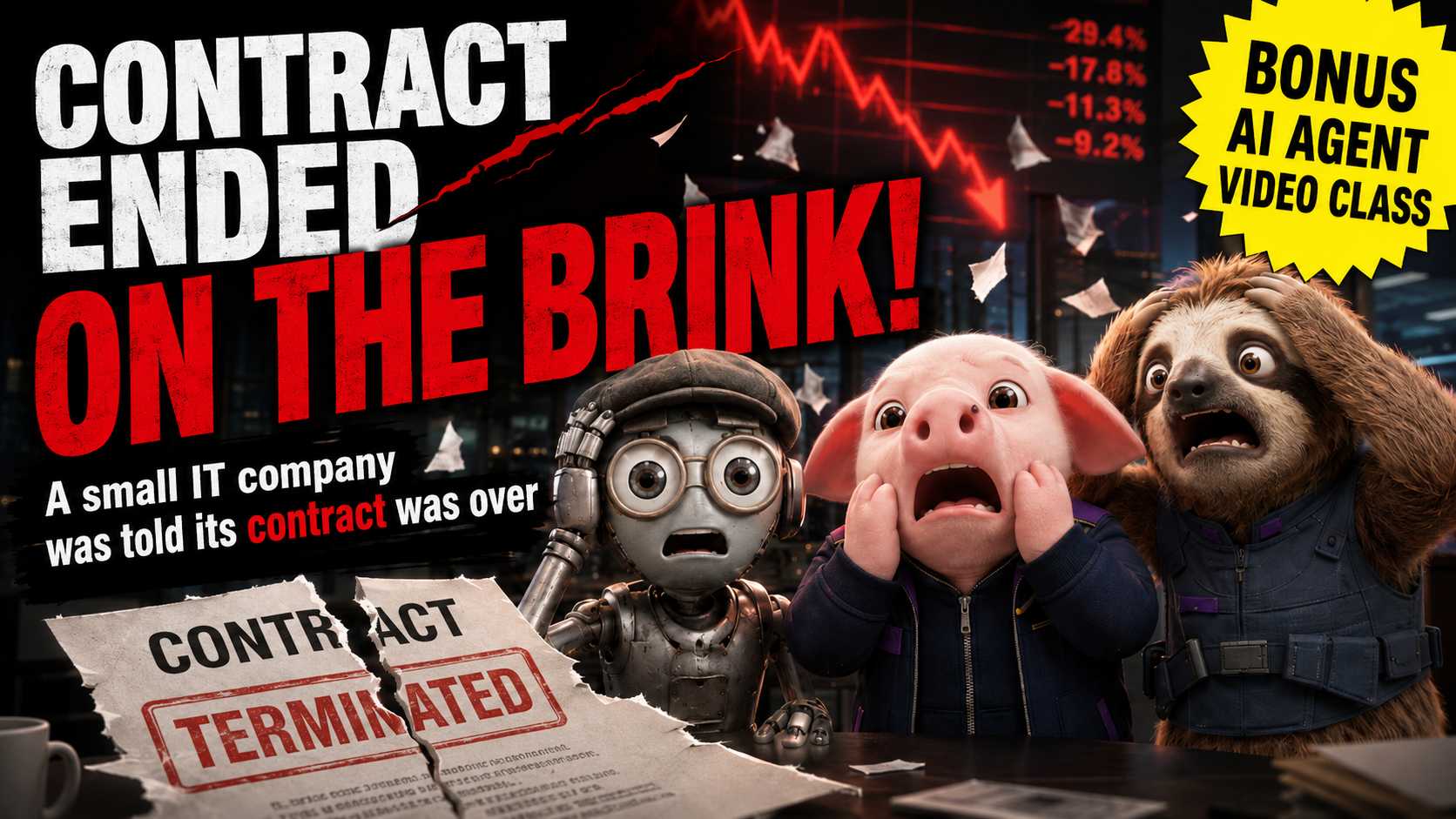
PublishedThe story moves from a thriving company to contract termination and a demand to hand over its AI know-how.

NijiUnit AI Agent Video Studio
NijiUnit EPISODE 1
This guide shares both the 75-second story based on real events and the process used to create it with an AI agent. The goal is not to copy our story or characters, but to make a new work from your own text and assets.
Official YouTube video ID: IXKouSZZrlQ
WATCH
HOW IT WAS MADE
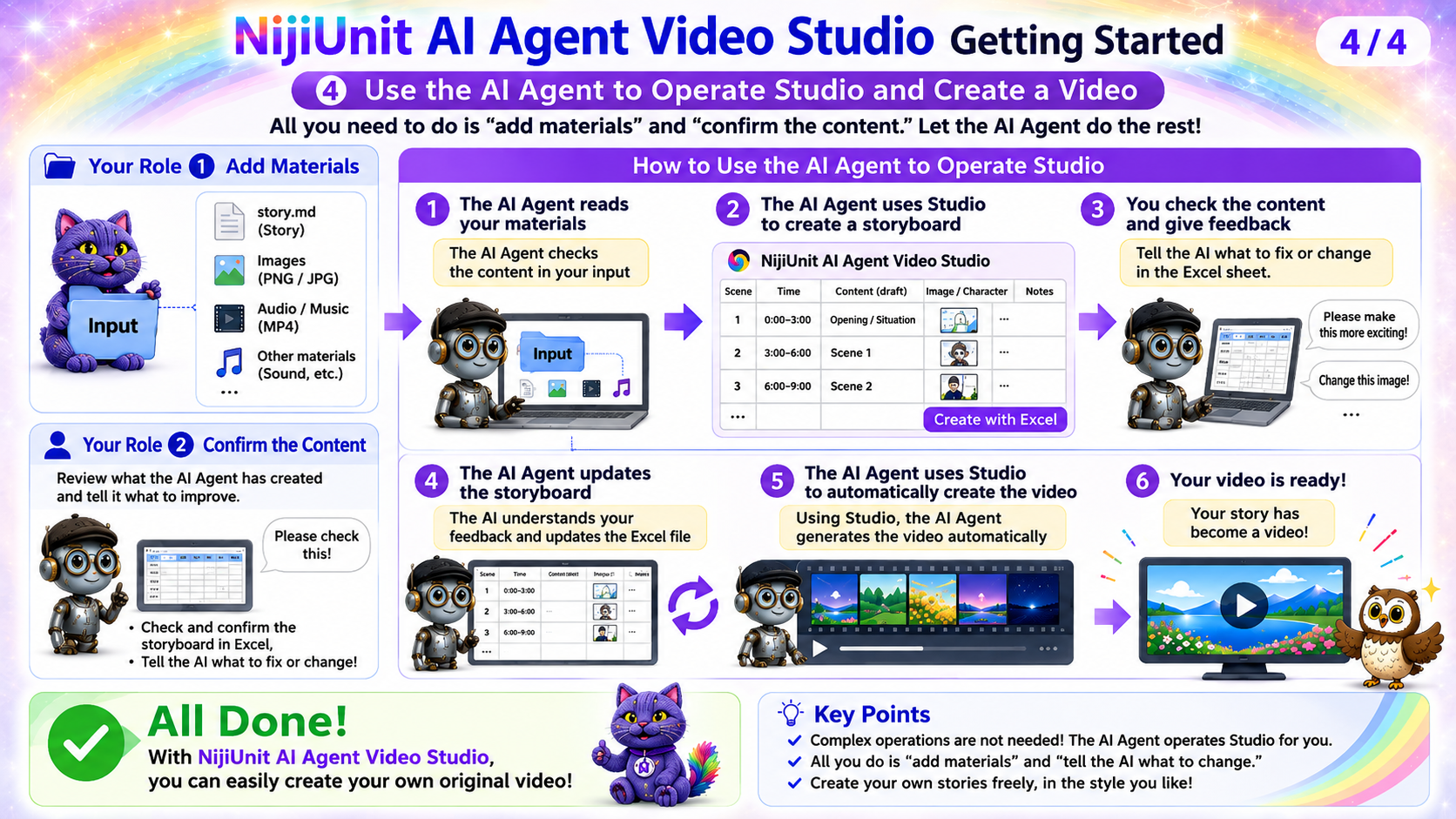
A person prepares the story and source materials and hands them to the AI agent. The AI agent creates a storyboard, and video generation begins only after the person reviews and approves it.
PRODUCTION MATERIALS
These are the materials used to create the 75-second story at the beginning of the video.
The story moves from a thriving company to contract termination and a demand to hand over its AI know-how.
Image added at the start of production: タコヨメ.png
The 25-shot Excel storyboard is not currently published.
Production decisions about the protagonist's job, time transitions, emotional staging, and final corrections.
The tools and checks used for the 75-second, 25-shot production.
FOR YOUR AI AGENT
Copy the message below and give it to the AI you normally consult. No NijiUnit membership registration is required. The guide will help you prepare the desktop version of NijiUnit AI Agent Video Studio.
I want to use the 75-second story at the beginning of https://youtu.be/IXKouSZZrlQ as a reference while creating a new video from my own story and source materials. First, run the repository prepare-tutorial command in English and validate the matching page at https://manual.nijiunit.com/en/tutorials/IXKouSZZrlQ/. Read the page and every published document on it, then follow the AI agent guide. Do not reuse the original characters, story, or source materials. Use only a story and materials that I have the right to use. Begin by reviewing my story and materials only. Do not generate video until I explicitly approve the Excel storyboard. Before any paid operation, explain what will run and the estimated cost, and obtain my approval.