Story
PublishedThe rough first request, later additions, and the finished 23-shot sequence are shown separately.
NijiUnit AI Agent Video Studio
NIJIUNIT OFFICIAL TUTORIALS
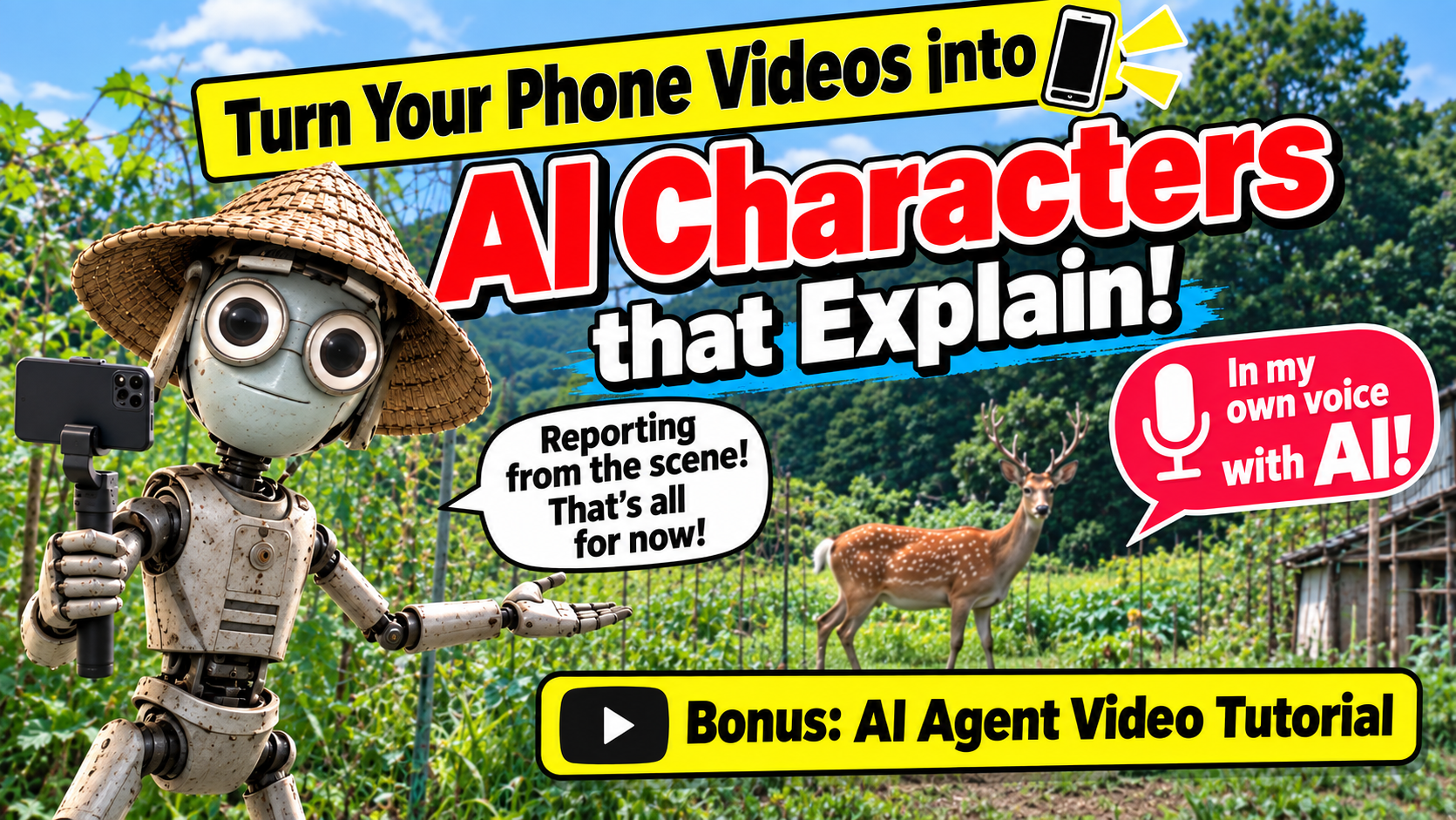
Ordinary vertical phone footage of a bitter-melon harvest and deer-control measures becomes an on-location report presented by the AI character TAKO. The film combines live action, generated scenes, captions, and a synthetic voice based on the creator’s own voice.
Official YouTube video ID: 8lPT5yH1oS0
WATCH
HOW IT WAS MADE
A person gives an AI agent vertical phone footage and a rough request. The agent inspects the moving footage over time and creates an Excel storyboard. After human review, live action, generated scenes, synthetic voice, and deterministic editing are combined to finish the film.
PRODUCTION MATERIALS
These are the materials used to create the 127.77-second, 23-shot “Bitter-Melon Harvest and Deer Control” main film shown near the beginning of the making-of video.
The rough first request, later additions, and the finished 23-shot sequence are shown separately.
Only the filenames, roles, and adoption status of the vertical clips, notes, and references are listed.
The Excel storyboard for the 127.77-second, 23-shot film is not currently published.
Real exchanges that fixed moving vertical footage, character scale, fence overlays, the ending, voice cloning, and speech pace.
The live-action formatting, image and video generation, voice cloning, compositing, sound, and QA used for the 127.77-second, 23-shot film.
FOR YOUR AI AGENT
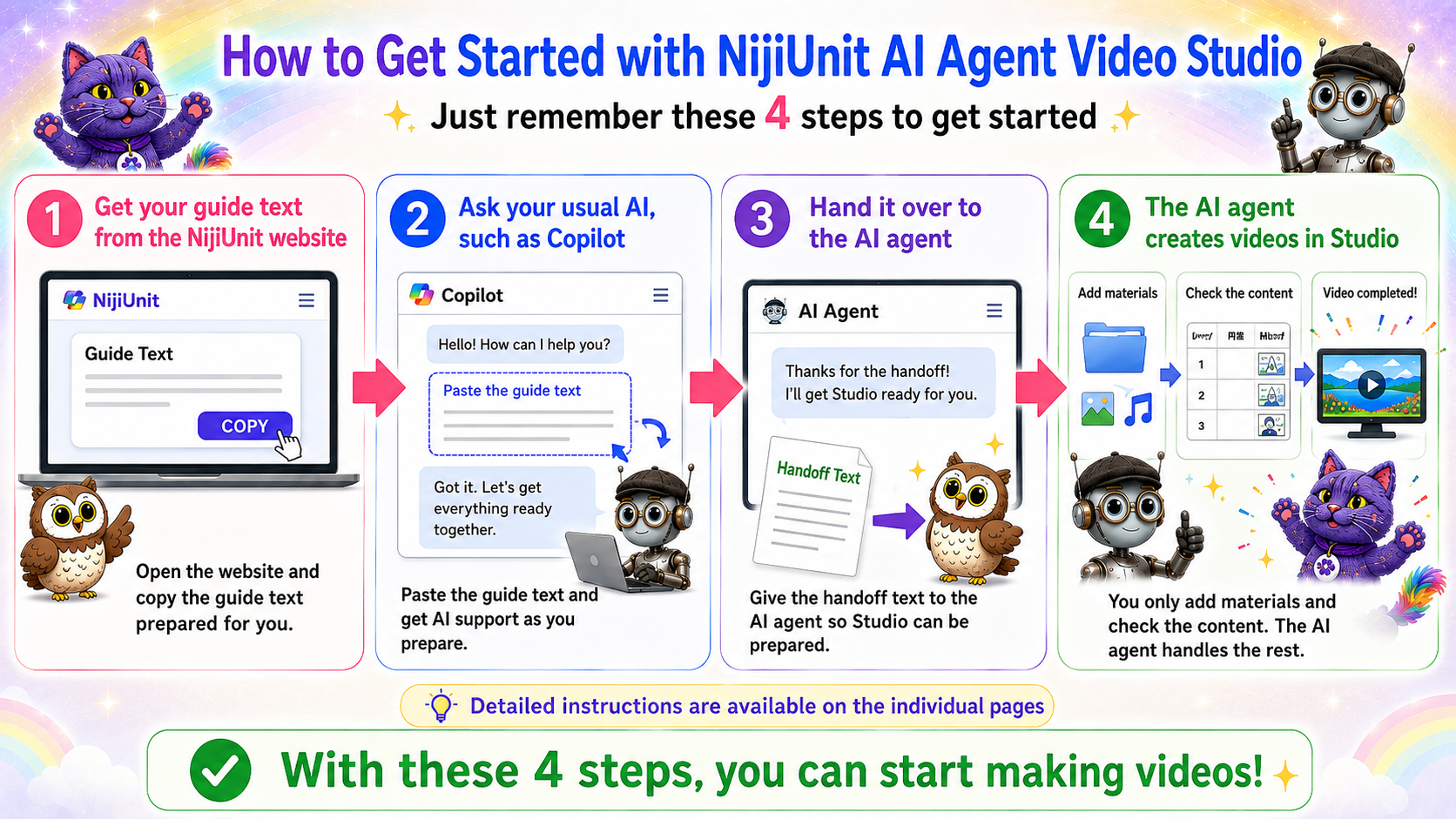
Copy the message below and give it to the AI you normally consult. No NijiUnit membership registration is required. The guide will help you prepare the desktop version of NijiUnit AI Agent Video Studio.
I want to use the 127.77-second main film shown near the beginning of https://youtu.be/8lPT5yH1oS0 as a reference while creating a new video in which an AI character explains my own phone footage and story. First, run the repository prepare-tutorial command in English and validate the matching page at https://manual.nijiunit.com/en/tutorials/8lPT5yH1oS0/. Read the page and every published document on it, then follow the AI agent guide. Do not reuse the original characters, story, source materials, or voice. Use only materials that I have the right to use. Inspect each video over time rather than treating one frame as the whole source. Record its aspect ratio, framing, light, camera motion, and ambience. Do not stretch vertical footage horizontally. Show the character’s ground plane, depth, and scale against the real scene in an Excel storyboard. Generate speech first at a natural pace and fit the visual duration to the voice. Begin by reviewing my story and source materials only. Do not generate video until I explicitly approve the Excel storyboard. Before any paid operation, explain what will run and the estimated cost, and obtain my approval.